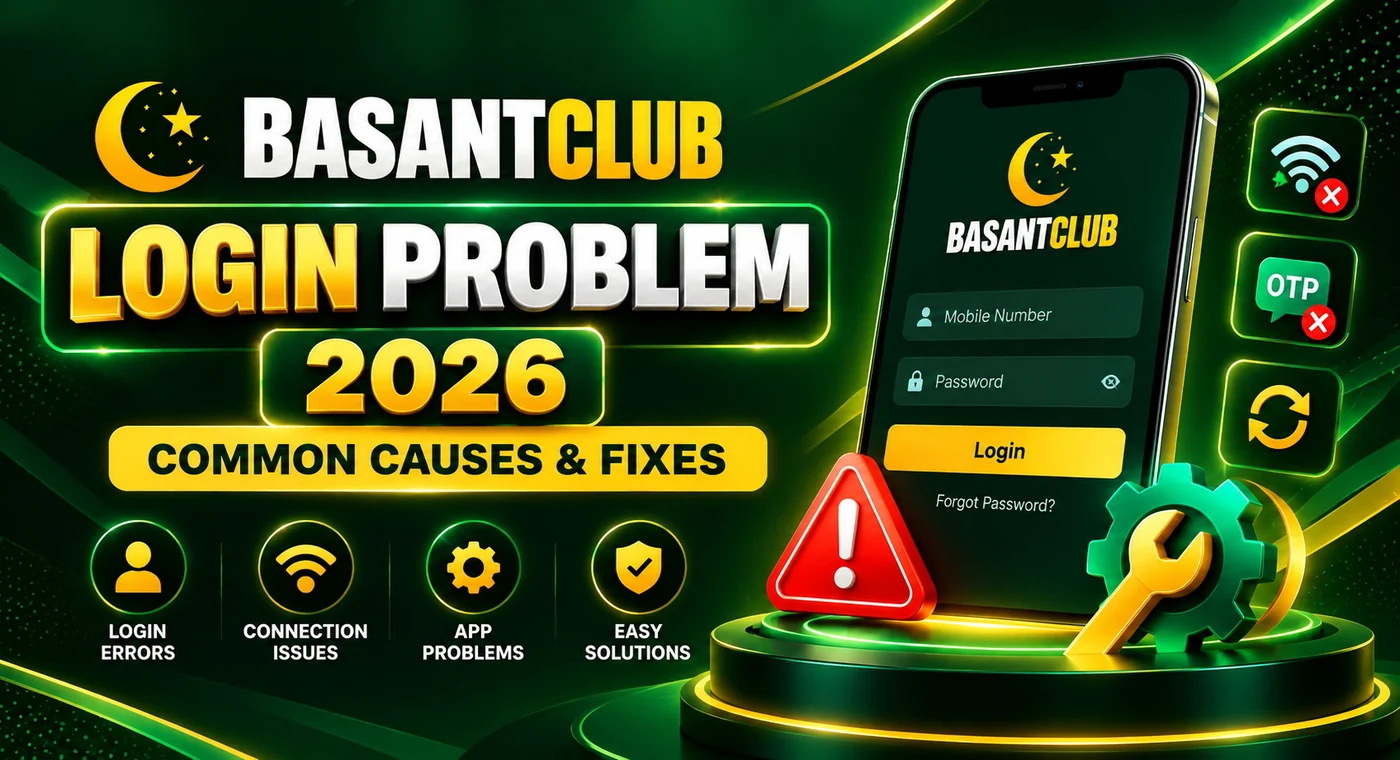
Basant Club Login Problem 2026 – Common Causes & Fixes
Having trouble opening your Basant Club account? A Basant Club login problem can happen for several simple reasons, including incorrect account details, a weak internet connection, an outdated app, or temporary verification issues.
Before repeatedly trying to sign in, it is better to identify the actual cause. This guide explains common Basant Club login problems and practical steps you can try to restore access safely.
Why Is Basant Club Login Not Working?
A login problem does not always mean there is something wrong with your account. Sometimes the issue is related to your phone, internet connection, or the version of the Basant Club app you are using.
Common causes include:
- Incorrect mobile number or password
- Unstable internet connection
- Old or incompatible app version
- OTP or verification delays
- Corrupted app cache
- Temporary server or maintenance issues
- Too many unsuccessful login attempts
- Account security restrictions
Checking these possibilities one by one is usually more useful than repeatedly entering the same login details.
1. Check Your Mobile Number and Password
Start with the information entered on the login screen.
Make sure you are using the same mobile number or account details that were used during registration. Also check the password carefully for typing mistakes.
If your phone automatically fills in login information, remove the saved password and type it manually. Old saved credentials can sometimes cause a Basant Club game login failure after a password has been changed.
Never share your password or verification code with another person.
2. Check Your Internet Connection
A slow or unstable connection may prevent the login request from reaching the service correctly.
Try switching between mobile data and Wi-Fi. You can also close the Basant Club game completely and reopen it after confirming that other websites or apps are loading normally.
If other services are also slow, the problem is more likely related to your connection rather than your Basant Club account.
3. Restart the Basant Club App
Temporary app errors can sometimes affect the login screen.
Close the Basant Club app completely instead of leaving it running in the background. Wait a few seconds and open it again.
If the problem continues, restarting your phone may clear temporary processes that are interfering with the app.
4. Check Whether Your App Is Outdated
An older version may stop working properly after changes to the platform.
If your installed version is outdated, check the official source before installing a newer Basant Club APK. Avoid downloading installation files from random websites, messages, or unofficial social-media links.
After updating, reopen the app and try signing in again with your existing account details.
You normally should not need to create another account simply because the application was updated.
5. Clear the App Cache
Corrupted temporary files can cause loading, freezing, or login problems on Android devices.
You can usually try:
Settings → Apps → Basant Club → Storage → Clear Cache
The exact menu names depend on your Android version and phone manufacturer.
Start by clearing only the cache. Be careful with Clear Data/Storage, because it can remove locally stored app information and sign you out completely.
6. Basant Club OTP Not Received
Some users may need an OTP when signing in, recovering an account, or verifying a new device.
If the code does not arrive:
- Check that the registered mobile number is correct.
- Make sure your SIM has network coverage.
- Wait briefly before requesting another OTP.
- Check whether SMS filtering is blocking messages.
- Avoid pressing the resend button repeatedly.
If multiple requests still produce no code, stop making repeated attempts for a while and use the platform’s official support option if available.
Never give an OTP to someone claiming that they need it to fix your account.
7. Forgot Your Basant Club Password?
If you cannot remember the password, use the official password-recovery option instead of guessing repeatedly.
Open the Basant Club login screen and look for an option such as Forgot Password. Follow the displayed verification steps using the mobile number or account information linked to your profile.
Create a new password that is difficult for other people to guess. Avoid using your name, phone number, 123456, or the same password that you use for other important accounts.
8. Too Many Failed Login Attempts
Repeatedly entering an incorrect password may trigger a temporary security restriction.
If this happens, stop attempting different passwords. Wait before trying again and use the password-reset process if you are unsure of your credentials.
This is safer than continuing random login attempts, which may make account recovery more difficult.
9. Basant Club Login on a New Phone
Signing in from a new device can sometimes require additional verification.
Use your existing registered account details and complete any verification requested by the platform. Do not immediately create another account simply because your old account does not open on the new phone.
If you recently changed your SIM or no longer have access to your registered number, account recovery may require official support.
10. Basant Club App Opens but Login Page Keeps Loading
If the Basant Club app opens but the login screen keeps loading, first test your internet connection.
Then try:
- Closing and reopening the app.
- Switching between Wi-Fi and mobile data.
- Clearing the app cache.
- Restarting the phone.
- Checking whether an updated version is available.
If none of these steps work, the issue may be temporary or server-side. In that situation, repeatedly reinstalling the app may not solve it.
11. Basant Club APK Is Not Opening
A login issue and an APK installation issue are not always the same thing.
If the Basant Club APK does not open at all, possible causes include an incomplete installation, insufficient storage, an incompatible Android version, or a damaged installation file.
Users looking for a fresh installation should follow the site’s Basant Club download instructions and verify the source before installing any APK.
Avoid modified APK files because they can introduce additional security and account risks.
Quick Basant Club Login Troubleshooting Checklist
| Problem | What to Check |
| Password not accepted | Re-enter it or use password recovery |
| Login page not loading | Check Wi-Fi/mobile data |
| OTP not arriving | Verify number and network signal |
| App keeps freezing | Restart it and clear cache |
| Old app version | Check for an official update |
| Login fails on new phone | Complete account verification |
| APK does not open | Check installation and compatibility |
| Multiple failed attempts | Stop retrying and use recovery |
| Everything appears correct | Check for a temporary service issue |
How to Keep Your Basant Club Account Safer
Login troubleshooting should also include basic account security.
Use a unique password and keep your OTP private. Do not enter your Basant Club login information on unknown websites or unofficial forms.
Be particularly careful with messages promising guaranteed winnings, free balance, account unlocking, or special access in exchange for your password or OTP.
The safest approach is to use the official website or app source and verify important account information yourself.
Basant Club Online Login vs App Login
Some users search for Basant Club online access while others prefer the mobile application.
The exact login process can vary depending on the platform version, but the basic rule remains the same: use your registered credentials and verify that you are accessing the correct service.
If one method is temporarily unavailable, do not automatically enter your account information on an unfamiliar alternative website.
When Should You Contact Support?
Consider contacting official support when basic troubleshooting does not solve the problem, particularly if:
- Your correct password is repeatedly rejected.
- You have lost access to the registered mobile number.
- Verification cannot be completed.
- Your account appears restricted.
- You notice activity you do not recognize.
- Password recovery does not work.
When explaining the issue, provide only the information necessary to identify the problem. Never send your password or OTP.
Final Thoughts
A Basant Club login problem can be caused by something as simple as incorrect credentials, poor internet, an outdated app, or a temporary verification issue. Start with the basic checks before reinstalling the application or attempting to create another account.
For most users, checking the registered number and password, restarting the Basant Club app, clearing its cache, verifying the internet connection, and using the official recovery process are sensible first steps.
If the issue appears to be account-specific and these methods do not work, use official support rather than sharing your credentials with third parties. Use methods like JazzCash, Easypaisa, and bank transfer for your deposit and withdrawal.
Frequently Asked Questions
Why can’t I log in to Basant Club?
Incorrect credentials, network problems, an outdated app, verification delays, or temporary service issues can all prevent login. Check each possibility individually.
What should I do if I forgot my Basant Club password?
Use the password-recovery option available on the login screen. Complete the required verification and create a new, unique password.
Why am I not receiving my Basant Club OTP?
A weak mobile signal, an incorrect registered number, SMS filtering, or temporary delivery delays may be responsible. Avoid requesting many OTPs within a short period.
Do I need a new account after updating the Basant Club app?
Normally, an app update should not require a completely new account. Try your existing registered credentials first.
Can I use Basant Club login on a new phone?
If the service supports it, you may be able to sign in using your existing account details. Additional verification may be required when a new device is detected.
Why does the Basant Club login page keep loading?
Check your connection first. If the internet works normally, restart the app, clear its cache, and check whether your installed version needs an update.
Is it safe to share my OTP with Basant Club support?
You should not share your OTP or password with another person. Verification codes should remain private.